Jai Club APK on Android 14 and 15: Compatibility Issues Explained
Understand Android 14 and Android 15 APK compatibility, including minimum SDK requirements, app signatures, installation restrictions and why a file may fail to install on a newer phone.
In this article
- What Is an APK?
- Why Android Versions Affect Compatibility
- What Is minSdkVersion?
- What Is targetSdkVersion?
- Android 14 and Older APK Restrictions
- Android 15 and Target SDK Requirements
- EXAMPLE: APK Target SDK Comparison
- Play Store Requirements Are a Different Issue
- Why an APK May Show "App Not Installed"
- APK Signature Mismatch
- App Updates vs Fresh Installations
- Android Permissions and Security
- Why Unknown APK Sources Are Risky
- Should Installation Protections Be Bypassed?
- Does APK Compatibility Affect Login Data?
- What Information Helps Diagnose Compatibility?
- Frequently Asked Questions
- Can an APK work on Android 13 but fail on Android 14?
- Does Android 14 block every old APK?
- What target SDK is blocked by Android 14?
- What target SDK is blocked by Android 15?
- Is minSdk the same as targetSdk?
- Does a familiar app logo prove the APK is genuine?
- Can a signing mismatch prevent an update?
- Does successful installation guarantee that login will work?
- Should I bypass Android security to install an unknown APK?
- Compatibility Is More Than an Android Version Number
- Technical References
An APK file that works on one Android phone may fail to install on another.
This can happen when the devices use different Android versions, particularly if the application was built for older Android releases.
Android 14 and Android 15 introduced security and compatibility changes that can affect certain older packages.
However, an installation problem does not automatically mean the application is damaged or that the account has been blocked.
Quick answer: APK compatibility depends on several technical factors, including minimum SDK requirements, target SDK restrictions, signing information and package format. Android 14 and Android 15 can reject sufficiently old applications because of minimum target-SDK protections. The exact reason for a failed installation must be established from the package and device.
This guide explains the relevant Android concepts without claiming that a particular Jai Club APK has been tested or officially certified.
What Is an APK?
APK stands for Android Package Kit.
It is a file format used to distribute and install Android applications.
An APK can contain executable code, resources and package metadata.
The file may be distributed through a recognised application store or another source.
However, the APK format does not establish whether the software is safe or officially published.
A familiar name, icon or logo is not enough to verify the publisher.
The technical identity of the package matters.
Why Android Versions Affect Compatibility
Each Android release introduces platform features and security requirements.
Applications are built with settings that describe the Android versions they support and target.
Some older applications may rely on behaviour that has changed in newer releases.
Other applications may be rejected because their declared SDK values are outside the permitted range.
Different devices can therefore respond differently to the same APK.
A successful installation on an older phone does not guarantee compatibility with Android 14 or 15.
What Is minSdkVersion?
The minimum SDK version identifies the oldest Android API level that an application supports.
For example, if an app requires a minimum SDK higher than the phone's Android API level, the package is not compatible with that device.
This is a lower-bound compatibility requirement.
It should not be confused with the target SDK version.
The two settings serve different purposes.
An app can target a particular Android version while still supporting some older releases.
The exact relationship depends on the developer's configuration.
What Is targetSdkVersion?
The target SDK version tells Android which platform behaviour compatibility level the developer intended.
It is also relevant to security restrictions applied by newer Android releases.
An old target SDK can become an installation issue even if the APK's minimum supported Android version is sufficiently low.
This is particularly relevant to the protections introduced in Android 14 and Android 15.
A reader should not assume that a small APK file or an old modification date is enough to identify the target SDK.
The actual package metadata must be examined.
Android 14 and Older APK Restrictions
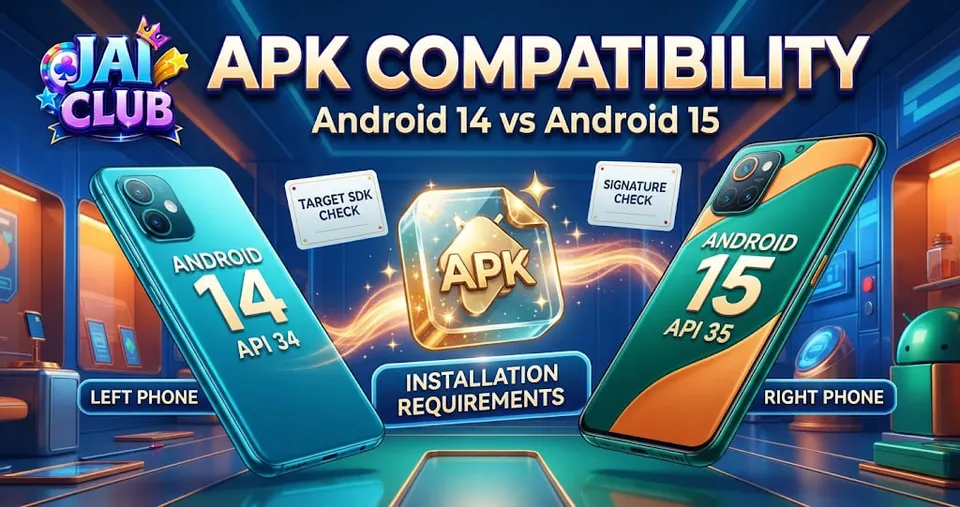
Android 14 introduced a minimum target-SDK restriction for newly installed applications.
Under Google's documented behaviour, applications targeting SDK versions below 23 are blocked from normal installation.
This protection helps prevent older software from avoiding security and privacy requirements introduced by more recent Android versions.
Therefore, an APK that targets an extremely old Android release may fail to install on Android 14.
The exact installation error can provide useful information.
However, not every Android 14 installation failure is caused by this restriction.
Other compatibility problems remain possible.
Android 15 and Target SDK Requirements
Android 15 extended the minimum target-SDK installation restriction.
Google documents that applications targeting SDK versions below 24 cannot normally be installed as new apps on Android 15.
This means an APK targeting SDK 23 may face a different installation outcome on Android 14 and Android 15.
The restriction concerns the application's target SDK, not simply its visible version name.
An application already present on a device before an Android upgrade may be treated differently from a new installation.
The exact platform and device conditions matter.
EXAMPLE: APK Target SDK Comparison
Consider three fictional application packages.
| Fictional APK | Target SDK | Android 14 | Android 15 |
|---|---|---|---|
| Package A | 22 | Blocked by low-target restriction | Blocked |
| Package B | 23 | Not blocked by that specific threshold | Blocked by low-target restriction |
| Package C | 24 | Not blocked by that specific threshold | Not blocked by that specific threshold |
The table addresses only the minimum target-SDK installation restriction.
It does not guarantee that any of these packages will install successfully.
Signing problems, minimum SDK incompatibility, file damage and other requirements may still prevent installation.
The examples are not actual Jai Club package versions.
Play Store Requirements Are a Different Issue
Google Play has its own target-API requirements for app submissions and availability.
Those requirements are distinct from the basic Android operating system's minimum target-SDK installation restriction.
For example, Google Play's current developer policies may require newly submitted apps to target more recent API levels.
However, that does not mean every APK outside Google Play automatically follows the same distribution policy.
A guide should not treat Play Console requirements and Android installation restrictions as interchangeable.
Both may matter, but they apply in different contexts.
Why an APK May Show "App Not Installed"
Android can display an installation failure for several reasons.
The file may be incomplete or corrupted.
The package may be incompatible with the device.
The APK might use a different signing identity from an already installed application.
It may also fail platform security requirements.
A generic error message does not identify the exact cause.
Technical package inspection and trustworthy source information can help narrow the explanation.
APK Signature Mismatch
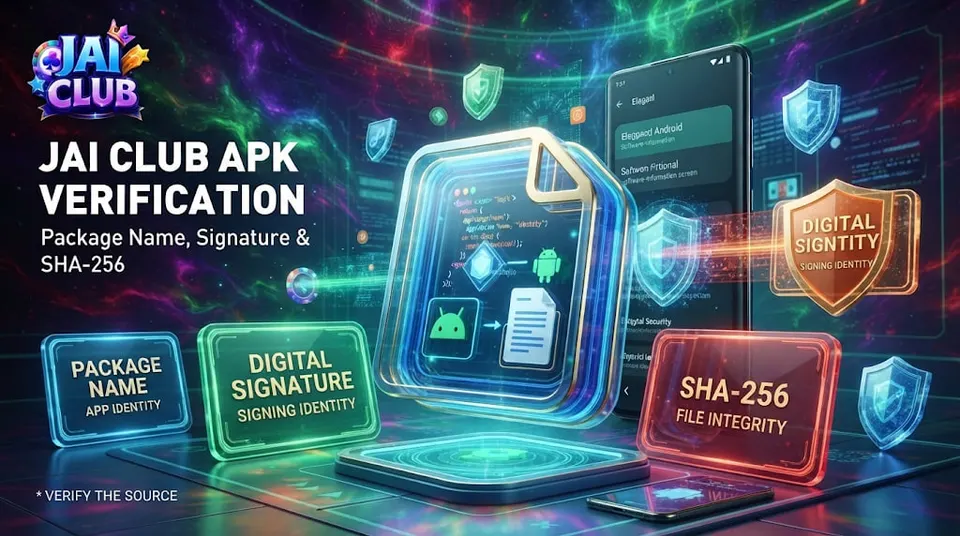
Android applications are digitally signed.
When an APK attempts to replace an installed application, signing compatibility is important.
If the new package uses incompatible signing information, Android may reject the update.
This can happen even when the visible app name and logo are identical.
A modified or repackaged APK may also use different signing credentials.
Users should not assume that an application is genuine simply because it looks familiar.
For additional background, see APK File Verification.
App Updates vs Fresh Installations
Updating an existing application and installing a new application are different operations.
An update must satisfy Android's package identity and signing rules.
A fresh installation must satisfy the device's current installation requirements.
Android may also preserve already installed applications when the device itself upgrades to a newer operating system, even if those applications would be blocked as new installations under the newer low-target threshold.
This distinction explains why an older app might continue running on one upgraded phone while failing to install fresh on another.
However, continued installation does not guarantee continued functionality.
Android Permissions and Security
Newer Android versions may apply stronger restrictions to certain permissions and background activities.
An application might install but behave differently because of platform security changes.
This is not necessarily a package-installation problem.
A successful installation and successful operation are separate questions.
For example, an app may launch but fail to display a required screen because of software compatibility.
The actual cause cannot be established solely from the Android version.
Why Unknown APK Sources Are Risky
Some websites offer APK downloads using familiar gaming names and logos.
However, these visual details can be copied.
An unknown application could request sensitive permissions, imitate a login page or attempt to collect account credentials.
Therefore, users should verify the publisher through a trustworthy source.
A page promising guaranteed gaming predictions or a special panel does not establish software authenticity.
Security protections should not be disabled merely to install an unfamiliar package.
Should Installation Protections Be Bypassed?
Android's low-target-SDK restrictions are designed to reduce exposure to older application security models.
Technical tools may support specialised development testing, but bypassing security checks is not a suitable general troubleshooting recommendation for an unverified APK.
The safer approach is to establish the package's authenticity and obtain a compatible release from a trusted publisher.
If no trustworthy compatible release can be established, the package should remain unverified.
A failed installation is not a reason to run unfamiliar commands from a third-party website.
Does APK Compatibility Affect Login Data?
APK installation compatibility and remote account data are different matters.
A package that fails to install cannot establish whether an existing account remains valid.
Likewise, a session error after installation does not automatically mean the package is incompatible with the operating system.
Account access may depend on authentication services, network communication and other conditions.
A correct diagnosis separates installation failure from login failure.
This prevents unnecessary actions based on an unrelated error.
What Information Helps Diagnose Compatibility?
The device's Android version is relevant.
So are the APK's genuine package identifier, minimum SDK, target SDK and signing information.
A precise installation error can also help.
However, users should avoid posting private account details or installing unknown inspection applications.
Technical metadata is most useful when it can be compared with a trusted publisher reference.
Without such a reference, a package may remain unauthenticated even when its format is understood.
Frequently Asked Questions
Can an APK work on Android 13 but fail on Android 14?
Yes. Platform restrictions and compatibility requirements can differ.
Does Android 14 block every old APK?
No. It has a specific minimum target-SDK restriction, and other compatibility factors also matter.
What target SDK is blocked by Android 14?
New installations targeting SDK below 23 are blocked by its low-target restriction.
What target SDK is blocked by Android 15?
New installations targeting SDK below 24 are blocked by its low-target restriction.
Is minSdk the same as targetSdk?
No. They serve different compatibility and platform-behaviour purposes.
Does a familiar app logo prove the APK is genuine?
No. Branding can be copied.
Can a signing mismatch prevent an update?
Yes. Android requires appropriate signing compatibility.
Does successful installation guarantee that login will work?
No. Installation and authentication are separate processes.
Should I bypass Android security to install an unknown APK?
No. The publisher and compatibility should be verified through trustworthy sources.
Compatibility Is More Than an Android Version Number
A package may be compatible with one device and incompatible with another for several reasons.
The important distinction is between minimum SDK requirements, target SDK restrictions, signing compatibility and application behaviour after installation.
Understanding these factors prevents a generic "App not installed" message from being incorrectly interpreted as an account problem.
A trustworthy, compatible release matters more than simply getting an unfamiliar APK to install.
Editorial note: This guide follows Google's documented Android platform behaviour. No particular Jai Club APK file, package identifier or publisher signature has been independently authenticated.
Technical References
Android Developers — Android 15 behaviour changes: https://developer.android.com/about/versions/15/behavior-changes-all
Android Developers — uses-sdk manifest element: https://developer.android.com/guide/topics/manifest/uses-sdk-element.html
Android Developers — Target API requirements: https://developer.android.com/google/play/requirements/target-sdk