Wingo Colour Translation Errors: Why Result Labels Look Wrong
Understand why Wingo colour labels may appear differently across languages, mobile displays and screenshots, and how to distinguish translation problems from actual result changes.
In this article
- What Is a Wingo Colour Translation Error?
- Why Wingo Uses Both Numbers and Colours
- Wrong Name vs Wrong Result
- Examples of Display Differences
- Violet, Purple and Language Confusion
- Automatic Browser Translation
- Mobile Screen Size and Truncated Labels
- The Importance of the Round ID
- Colour Mapping and Special Numbers
- Why Colour Shades Can Look Different
- Wingo Translation Problems in Result History
- Translation Error vs Internet Delay
- Can a Wrong Colour Label Affect Prediction Charts?
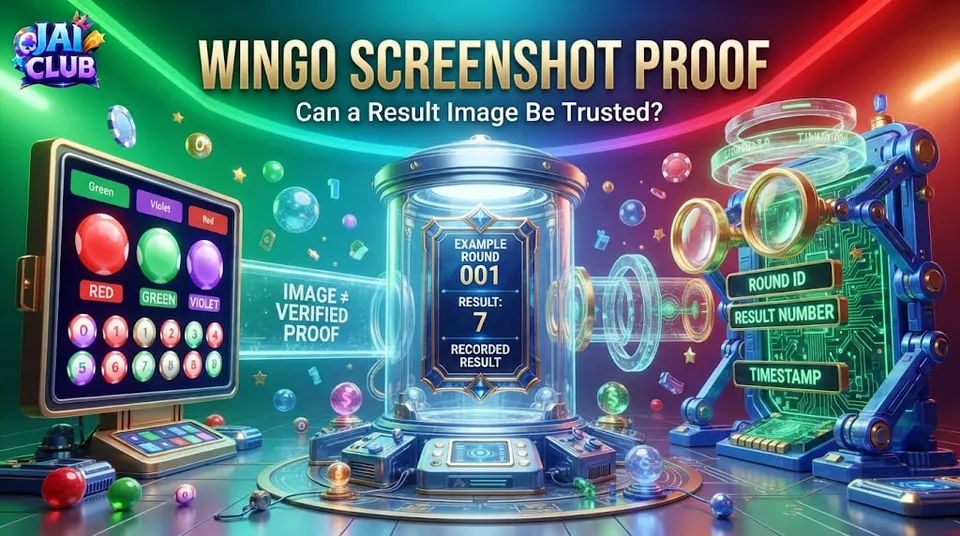
- Why Screenshots Alone May Be Insufficient
- Common Mistakes When Reading Colour Labels
- Frequently Asked Questions
- Why does Wingo show a different colour name?
- Is violet the same as purple in every Wingo game?
- Can automatic browser translation cause confusion?
- Does a wrong colour name mean the result changed?
- Why do some results display two colours?
- Can different phones display different colour shades?
- How should I compare two result screenshots?
- Can translation errors affect historical charts?
- Can a corrected chart predict future Wingo results?
- Conclusion
Wingo-style number games often show results using both digits and colour labels. A completed round might display a number from 0 to 9 with a corresponding colour classification. On different devices or language settings, however, the wording of these labels may appear unusual.
Some users report that a familiar colour name has been translated incorrectly, shortened or displayed differently from a screenshot shared by another person.
Quick answer: A colour translation error affects how a label is presented, but it does not necessarily mean the recorded number or underlying result has changed. To understand the difference, readers should compare the same completed period, the original digit and the applicable colour-classification rules.
This guide explains common causes of confusing colour labels, including language translation, screen design and mixed category displays. It does not assume that any specific Jai Club Wingo version has a confirmed translation defect.
What Is a Wingo Colour Translation Error?
A translation error occurs when the text used to describe a colour is presented inaccurately in another language.
For example, a mobile interface might use an automated translation system that changes wording in an unexpected way.
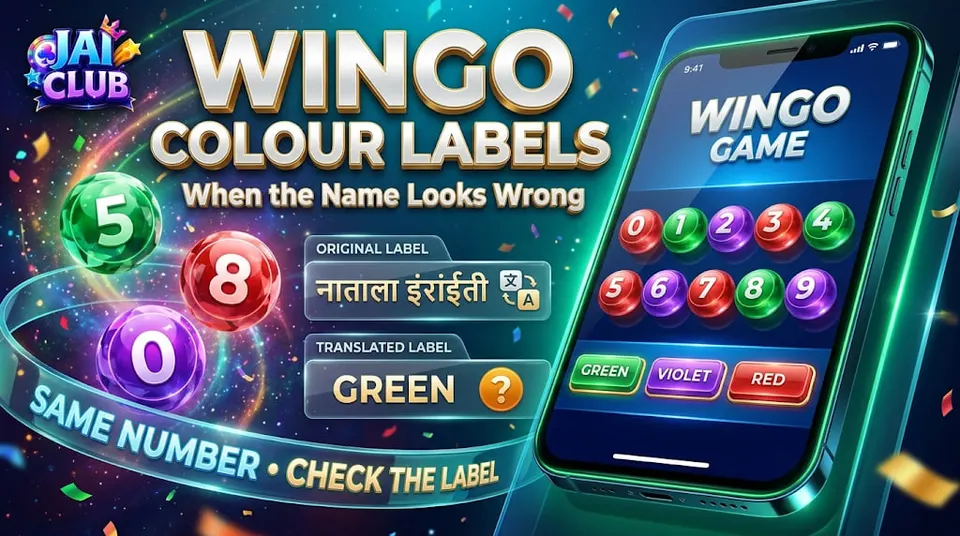
A result originally labelled Violet might be described with an inconsistent local-language term or abbreviated in a manner that is difficult to recognise.
The colour itself may remain visually similar even though its text label changes.
This is different from an actual result discrepancy, where the recorded outcome for the same completed round appears inconsistent.
The distinction matters because visual language errors and data errors require different investigations.
Why Wingo Uses Both Numbers and Colours
Wingo-style interfaces may display number results alongside colour categories.
The number provides a numerical value, while the colour gives an additional classification under the relevant game's rules.
Some variants may treat certain numbers differently from others, including showing combined colour categories.
However, exact mappings are not universal across all Wingo-style games.
A guide should not assume that every operator or game version uses the same mapping merely because the visible interface is similar.
The current game's instructions are necessary for determining what each label means.
Wrong Name vs Wrong Result
A wrong colour name and a wrong result are different problems.
Suppose a fictional result record contains the number 6. One interface might show the correct number while presenting an incorrectly translated colour label.
That would be a display or language issue if the underlying rule and number were otherwise unchanged.
By contrast, if another authorised record shows a different number for the same completed round, the question concerns the actual result data rather than translation alone.
The first task is to identify which field appears inconsistent.
Without that distinction, users can mistake a minor text problem for a much larger result dispute.
Examples of Display Differences
| Display situation | Possible explanation | What to compare |
|---|---|---|
| Colour text appears unfamiliar | Translation difference | Original label and meaning |
| Text is shortened | Limited screen width | Full interface |
| Two colours appear together | Game-specific classification | Applicable rules |
| Colour looks different | Theme or display settings | Number and category |
| Same period shows different digits | Possible record discrepancy | Authorised history |
These are general examples, not authenticated Jai Club Wingo incidents.
A reliable explanation should identify whether the difference comes from language, visual design or underlying data.
Violet, Purple and Language Confusion
The words violet and purple are often used loosely in everyday language, although they are not identical in every technical context.
In gaming interfaces, the intended label should follow the game's own terminology.
If a translation changes one term into another, a reader may think the game has introduced a different category.
However, a change in wording is not automatically a change in the underlying rule.
The important question is which category the original game identifies and how the translated label is intended to represent it.
A translated name should not be used to invent an additional result category.
Automatic Browser Translation
Modern browsers can translate website text into another language.
This can be useful for readers, but it can also change technical labels or gaming terminology in ways that are less precise than the original.
A translated page may contain a combination of original English terms and translated phrases.
For example, Big, Small, Red, Green and Violet may not all be handled consistently.
If a label appears confusing, reviewing the original-language wording can help determine whether the issue is related to translation.
That does not independently verify the game result; it simply clarifies what the text says.
Mobile Screen Size and Truncated Labels
A narrow smartphone display may shorten words to fit inside buttons or result tables.
A full label such as Violet may be displayed differently from a longer description on desktop.
Text may also overlap with icons when the interface has not been optimised for a particular device or font size.
These layout effects can make a label look incomplete or misleading.
Screenshots captured at different widths may therefore appear inconsistent even when they refer to the same data.
A reader should check the complete interface before interpreting a shortened label as a different game rule.
The Importance of the Round ID
A Wingo round ID, sometimes called a period number, identifies the event associated with a result.
Two screenshots may show different colours simply because they belong to different rounds.
Before comparing them, verify that the period identifiers match.
A number displayed in one image should not be compared with the colour from another period.
This mistake is particularly easy to make when screenshots are cropped and the round IDs are hidden.
A complete result record is more useful than an isolated colour button.
Colour Mapping and Special Numbers
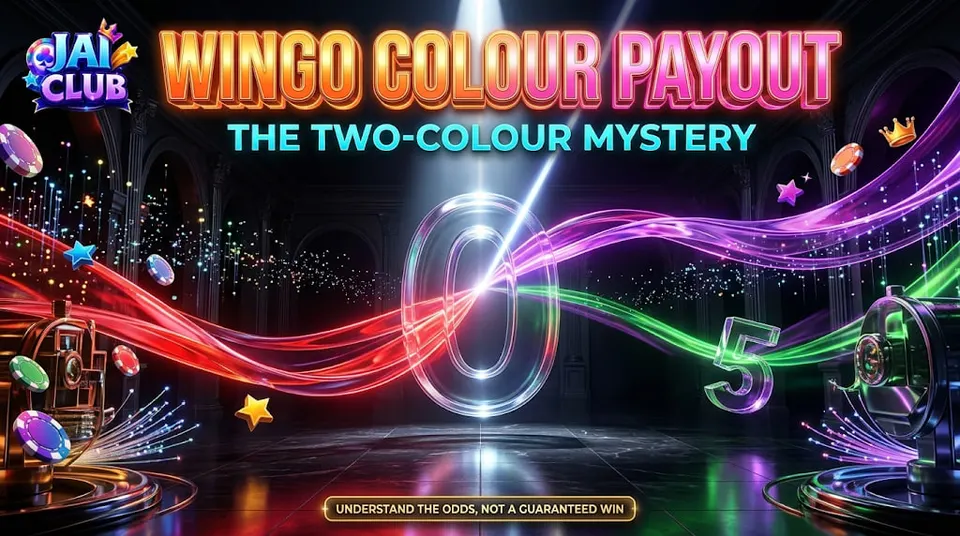
Some Wingo variants use classification systems in which particular digits may correspond to more than one colour.
If a result displays two colour markers, it may reflect the game rules rather than a translation error.
The exact mapping must be verified for the version being discussed.
A user should not assume that every combined label is a mistake.
Similarly, a chart copied from another gaming service may not be compatible with the current game.
The correct approach is to identify the result number and apply the documented classification system.
For broader number and colour information, read the Jai Club Wingo Guide.
Why Colour Shades Can Look Different
A colour label and a screen colour are different pieces of information.
A button labelled Green might look lighter or darker depending on its design, brightness and display settings.
Two devices can render shades differently because of screen calibration or theme settings.
A low-quality screenshot can introduce additional colour distortion.
Therefore, the precise shade of a screenshot should not be treated as the authoritative classification.
The recorded number and the game's documented label provide better context.
Wingo Translation Problems in Result History
A result-history table may use compact text, coloured dots or abbreviated labels.
If the language changes, some parts of the table may be translated while others remain unchanged.
This can create the impression that several different systems are being used.
A reader should first identify the period and number. Then the colour description can be compared with the rules.
If the result history itself remains consistent, a text-display difference may not affect the underlying record.
However, if authorised records genuinely disagree, the issue needs more than a translation explanation.
Translation Error vs Internet Delay
An internet delay usually affects when information appears or updates.
A translation problem affects how the displayed information is written or interpreted.
These issues can occur together, but they should not be confused.
For example, an old result that remains on screen after a new period begins is not necessarily a translation error.
Likewise, a new result displayed with an unfamiliar label is not automatically a network problem.
Understanding the symptom helps readers avoid trying unrelated troubleshooting steps.
Can a Wrong Colour Label Affect Prediction Charts?
A prediction chart built from incorrectly labelled historical data can produce misleading summaries.
If the underlying numbers are copied correctly but colour categories are assigned using the wrong mapping, the chart may show inaccurate colour frequencies.
This is a data-classification problem rather than evidence that future results can be predicted.
Even a correctly classified historical chart does not guarantee a future outcome.
Prediction claims must be assessed separately from translation accuracy.
A colour chart should first describe past results faithfully before anyone attempts to interpret patterns in it.
Why Screenshots Alone May Be Insufficient
A screenshot can document the text and colours shown on a particular screen.
However, it may not reveal the active language, browser translation settings or complete result history.
An edited image may also contain incorrect labels.
A stronger comparison would examine the same round within the relevant service and identify the original classification rule.
Where that information is unavailable, the cause should remain uncertain.
It is better to describe a possible translation issue than to declare that the underlying game result was changed.
Common Mistakes When Reading Colour Labels
One mistake is relying only on the visible shade of a coloured button.
Another is assuming that translated names always have exactly the same meaning as the original technical labels.
A third is using a colour chart from another game version without checking its rules.
Some readers also compare screenshots from different periods.
Finally, a number result should not be inferred from colour alone when the classification does not uniquely identify one digit.
These mistakes can lead to inaccurate historical records and unreliable conclusions.
Frequently Asked Questions
Why does Wingo show a different colour name?
Possible reasons include translation, abbreviation, display design or a different game classification.
Is violet the same as purple in every Wingo game?
The intended terminology depends on the specific game's rules and interface.
Can automatic browser translation cause confusion?
Yes. Automatic translation may change technical labels or wording.
Does a wrong colour name mean the result changed?
Not necessarily. The underlying digit and completed period must be checked separately.
Why do some results display two colours?
Certain game variants may use combined classifications for special numbers.
Can different phones display different colour shades?
Yes. Screen settings and image quality can affect visible colours.
How should I compare two result screenshots?
Check that they refer to the same completed period and compare the recorded number and applicable rules.
Can translation errors affect historical charts?
Yes. Incorrect category labels can distort summaries of historical data.
Can a corrected chart predict future Wingo results?
No. Correct classification does not establish reliable future prediction.
Conclusion
Wingo colour translation errors can make a familiar result interface difficult to understand.
A different label, shortened word or unusual shade does not automatically mean that the recorded outcome has changed.
The most useful approach is to compare the completed round number, numerical result and documented colour mapping before reaching a conclusion.
Accurate terminology helps readers interpret history and screenshots without confusing language problems with actual game-result disputes.
Editorial note: The examples describe general interface and translation issues. No specific Jai Club Wingo translation defect is independently confirmed here.