Wingo Result Screenshot Proof: What a Game Image Really Shows
Understand what Wingo game screenshots can verify, how round numbers and result timestamps should be compared, and why a single image cannot establish prediction accuracy or game fairness
In this article
- Wingo Game Result Screenshot Ka Meaning
- What Information Can a Wingo Screenshot Show?
- Round ID: The Most Important Reference
- Completed Result vs Live Countdown Screenshot
- Example: Comparing Two Fictional Screenshots
- Wingo Screenshot Real or Fake: What Can Be Checked?
- Why Screenshots Can Be Edited
- Prediction Screenshot vs Historical Result
- Timestamp Differences in Wingo Screenshots
- Wingo Colour Labels and Number Mapping
- Mobile App vs Browser Screenshots
- What a Screenshot Cannot Prove
- Screenshots and Account Disputes
- How Result History Supports Verification
- Why a Screenshot Is Not a Prediction Formula
- Common Screenshot Interpretation Mistakes
- Frequently Asked Questions
- Can a Wingo screenshot prove a winning result?
- Is a screenshot with a round ID reliable?
- Can Wingo result screenshots be edited?
- Does a screenshot prove a prediction bot works?
- Why do two screenshots show different numbers?
- Can UTC and IST create timestamp differences?
- Does a screenshot prove the game is fair?
- Is a familiar Jai Club logo proof of authenticity?
- What should be included when reporting a result problem?
- Conclusion
A Wingo game result screenshot can appear convincing because it captures a number, colour, round identifier and sometimes a timestamp on one screen. Such images are commonly shared to discuss earlier results, report technical problems or support claims about prediction accuracy.
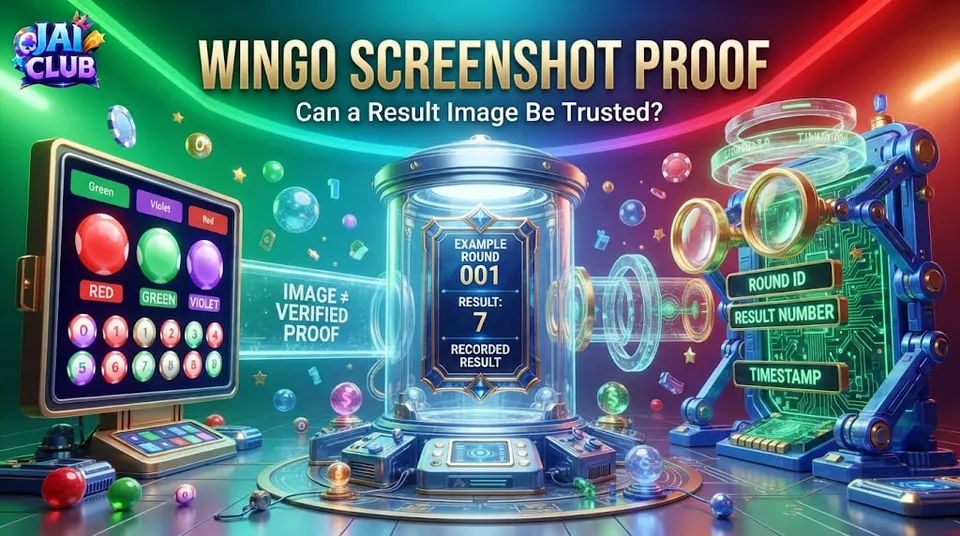
However, a screenshot records only what was visible in a particular interface at the moment the image was captured. It does not automatically establish that the information came from an authentic game service, that the result was final or that the image has not been changed.
Quick answer: A Wingo screenshot can help identify a displayed result, but reliable verification requires matching the round ID and outcome with the appropriate recorded history. One image cannot prove a prediction system is accurate or that a game uses a fair result-generation method.
This guide explains how screenshots should be interpreted, what useful information they may contain and why evidence from a game interface has important limitations.
Wingo Game Result Screenshot Ka Meaning
A result screenshot is an image of a particular game screen. It may contain information about a completed round, including a numerical outcome and an associated colour or category.
Some images capture the current round before it finishes. Others show a historical record after the outcome has been published.
These two situations should not be confused. An image of an ongoing countdown is not proof of the final result.
A screenshot may be useful for remembering what the interface displayed, but it does not contain all the information necessary to evaluate the underlying game system.
The first step is to identify whether the image shows an active round, a completed round or a separate historical record.
What Information Can a Wingo Screenshot Show?
A typical Wingo-style interface may include numbers from 0 to 9, colour classifications, Big and Small categories, a countdown timer and a result history.
A screenshot might capture several of these details simultaneously. However, some important information could be outside the visible area.
For example, a cropped screenshot may show a number but hide the corresponding period identifier. Without the period, comparing the image against a result history becomes difficult.
The same problem occurs when a screenshot shows a colour but omits the numerical outcome that produced that classification.
A reliable interpretation requires understanding the visible labels and recognising which details are missing.
Round ID: The Most Important Reference
A round ID, sometimes called a period number, helps identify the event associated with a result.
For example, two fictional screenshots might show the number 7. If one belongs to ROUND-101 and the other belongs to ROUND-102, they describe different events despite displaying the same digit.
This is why an isolated number is not sufficient evidence that two result screens agree or disagree.
When comparing images, the period identifier should match exactly.
A long period number may contain several digits, but it should not automatically be interpreted as a hidden formula for calculating a future result.
Its primary role is identifying the event.
Completed Result vs Live Countdown Screenshot
A live countdown screenshot captures an interface before or during a round. A completed result screenshot captures information presented after an outcome has been recorded.
The distinction matters because visual elements may change as the game moves between stages.
A timer showing zero does not necessarily mean every connected device has already received the final result. Network delays and interface refreshes can affect what appears on the screen.
Similarly, an image taken during a transition animation may contain an older number beside a new countdown.
Readers should not treat a transitional screen as an authoritative completed record without additional context.
Example: Comparing Two Fictional Screenshots
Consider two fictional screenshots that appear to disagree.
| Field | Screenshot A | Screenshot B |
|---|---|---|
| Period | EXAMPLE-204 | EXAMPLE-205 |
| Number | 4 | 7 |
| Colour | Example red label | Example green label |
| Screen | Result history | Completed result panel |
The numbers differ, but the period identifiers also differ.
There is no demonstrated contradiction because the screenshots refer to separate rounds.
Now imagine both images show EXAMPLE-204 but contain different numbers. That would be a reason to investigate the source, capture time and authorised result history.
It would not, by itself, establish that someone deliberately modified the outcome.
Wingo Screenshot Real or Fake: What Can Be Checked?
An image can be authentic, edited or taken from an unrelated interface.
Visible signs of manipulation may include inconsistent fonts, misplaced elements, unusual cropping or mismatched number labels. However, sophisticated editing can leave few obvious visual clues.
A normal-looking screenshot is not necessarily genuine, and an unusual-looking screenshot is not automatically fake.
The strongest comparison uses an independently accessible record from the relevant service, matched by period and game mode.
Without such a record, conclusions about authenticity should remain limited.
Why Screenshots Can Be Edited
Modern image-editing tools can change text, colours and interface elements. A result number may be replaced, a timestamp can be altered or a section of the image may be removed.
Screenshots can also be selectively cropped to hide failed predictions or conflicting details.
This creates a problem when an image is presented as proof of a prediction method.
A picture showing a successful call does not reveal how many unsuccessful calls were made before or after it.
A meaningful accuracy assessment requires a complete record rather than a selected collection of positive examples.
Prediction Screenshot vs Historical Result
A historical result screenshot shows an outcome after the event has occurred.
A prediction screenshot claims to show a forecast issued before the event.
To demonstrate that a prediction was correct, a trustworthy record must establish when the prediction was made and which later outcome it was compared against.
An image containing a proposed number and a completed result on the same screen is not sufficient to establish the order of events.
The result could have been added after the fact.
Reliable testing needs predictions recorded before their corresponding rounds and a complete account of unsuccessful forecasts.
Timestamp Differences in Wingo Screenshots
Time information may be displayed in different formats or time zones.
India uses IST, which is five hours and thirty minutes ahead of UTC. Two screenshots showing different clock values can therefore describe the same moment when their time zones differ.
Other differences may arise because one timestamp refers to the round start while another refers to result publication.
A screenshot should ideally identify the meaning of the timestamp and its time zone.
Without those labels, a difference in displayed time is not enough to establish that a result was late or changed.
Wingo Colour Labels and Number Mapping
A Wingo-style result may display both a number and a colour classification.
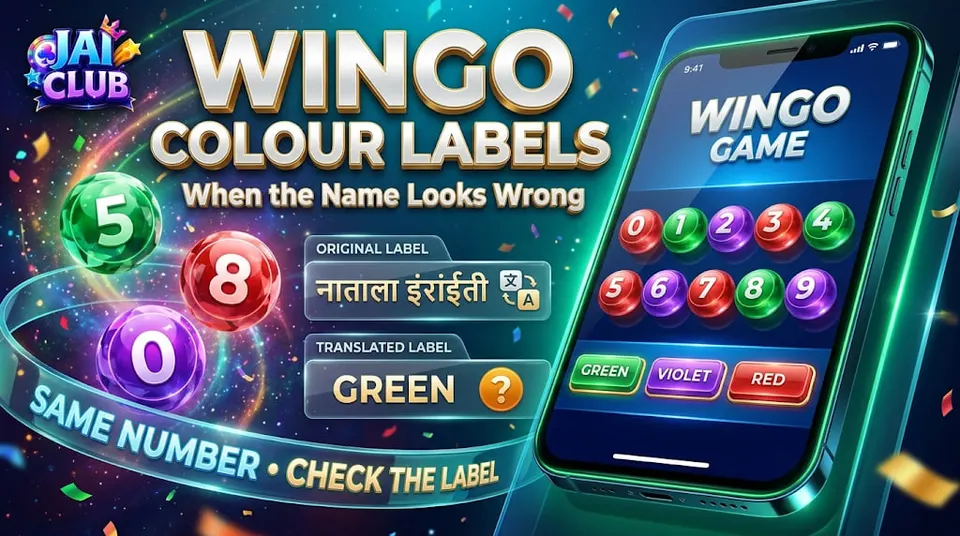
The correct mapping depends on the actual game's rules. Some variants use special numbers associated with more than one colour label.
A screenshot showing two colour markers therefore does not automatically indicate that two different results occurred.
The underlying number and applicable classification rules should be checked.
An edited or incorrectly labelled colour chart can also create confusion about what the result means.
For basic number and colour terminology, read the Jai Club Wingo Guide.
Mobile App vs Browser Screenshots
The same result may look different on a mobile browser and an installed application.
Differences can include text size, button placement, colour shades and the number of historical rows visible.
A responsive website may rearrange its interface depending on screen width.
These visual differences do not necessarily mean the underlying outcome has changed.
A useful comparison should focus on the round identifier and recorded value rather than cosmetic details.
What a Screenshot Cannot Prove
A screenshot cannot independently prove that a game uses a particular random-number generator, has been audited or follows a certified fairness model.
It also cannot establish the complete financial history of an account.
An image showing a displayed award may omit the original stake, deductions or other transaction details.
Similarly, a screenshot with a blockchain-looking identifier does not prove that the result was calculated from genuine on-chain data.
Technical claims require evidence beyond interface appearance.
Screenshots and Account Disputes
When a user reports a displayed-result problem, a screenshot can help document the visible symptom.
However, the relevant round ID, game mode, approximate time and authorised transaction record are also important.
A support request based on incomplete information may lead to confusion if the image shows a different round or a transitional state.
Sensitive account details should be hidden before sharing images more widely.
Passwords, OTPs and private financial information should never be included in public screenshots.
How Result History Supports Verification
A completed result history provides a sequence of records associated with particular rounds.
If the history is authentic and complete, it can help determine whether a screenshot matches the recorded outcome.
However, the history's reliability still depends on the source. An independent website copying results from an unknown feed is not automatically authoritative.
The strongest available comparison uses the relevant service's recognised records and clearly identified periods.
When those records are unavailable, an educational guide should avoid claiming certainty.
Why a Screenshot Is Not a Prediction Formula
Some prediction channels share screenshots containing several successful results and use them to advertise a formula.
A successful guess may occur by chance. Without a complete record of all forecasts, the number of visible successes says little about reliability.
Images also cannot reveal whether a supposed formula was designed after reviewing the outcomes.
A prediction method requires appropriate prospective testing.
Past screenshots can help document events but do not automatically create knowledge about future results.
Common Screenshot Interpretation Mistakes
One common mistake is comparing screenshots from different round IDs.
Another is treating a countdown display as though it records a final result.
A third is assuming that a familiar logo proves the identity of the website shown in the image.
Some users also compare timestamps without considering time zones or confuse a displayed gross award with a net account change.
These errors can be avoided by examining the context rather than relying on one visual element.
Frequently Asked Questions
Can a Wingo screenshot prove a winning result?
It can document what a screen displayed, but the result should be compared with the relevant authorised history.
Is a screenshot with a round ID reliable?
A round ID is useful for comparison, but the image and its source still require verification.
Can Wingo result screenshots be edited?
Yes. Text, colours and other interface elements can be modified.
Does a screenshot prove a prediction bot works?
No. Reliable prediction testing requires complete forecasts recorded before results.
Why do two screenshots show different numbers?
They may belong to different rounds or display different stages of the interface.
Can UTC and IST create timestamp differences?
Yes. IST is five hours and thirty minutes ahead of UTC.
Does a screenshot prove the game is fair?
No. Fairness claims require technical evidence beyond the visible interface.
Is a familiar Jai Club logo proof of authenticity?
No. Images and branding can be copied.
What should be included when reporting a result problem?
The correct round identifier, relevant time, game mode and non-sensitive supporting information.
Conclusion
A Wingo result screenshot is useful as a visual record, but it has limits. It can show a number, colour or round identifier without proving that the image is authentic or that the displayed outcome has been independently verified.
A stronger interpretation compares the image with the correct completed-round history and considers its timing, source and context.
Readers should treat prediction screenshots and claims of guaranteed accuracy cautiously, especially when unsuccessful examples are missing.
Editorial note: All example periods and outcomes are fictional. This guide does not certify game screenshots or prediction systems.